

 SQL and analytics
SQL Server client for Windows
A fast everyday home for T-SQL: an object tree shaped the way SSMS users expect, the editor’s deepest autocomplete, and real execution plans, right beside your other databases.
Download FreeFree is $0 with a free account. For 64-bit Windows 10 and 11.
See it working
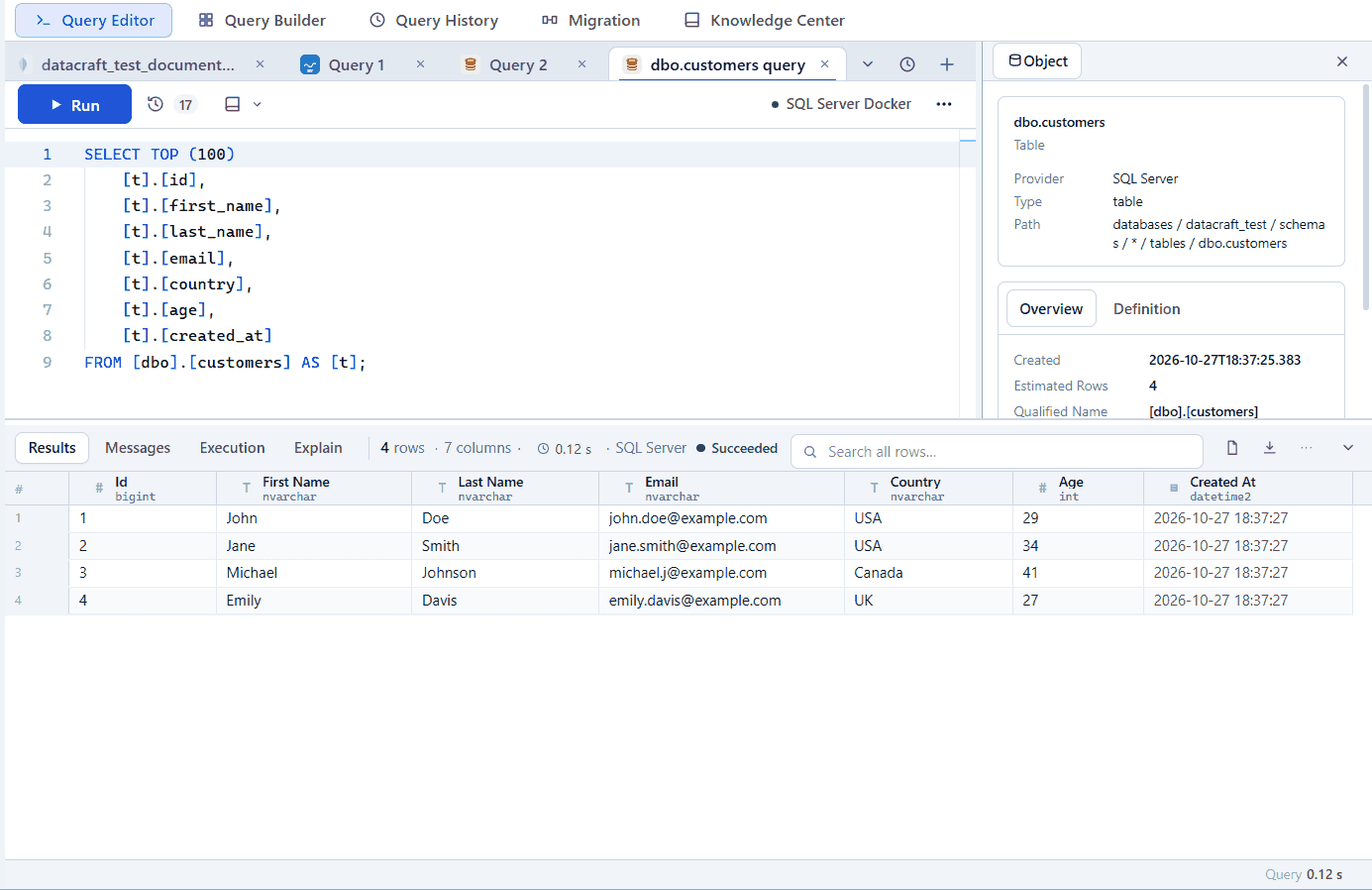
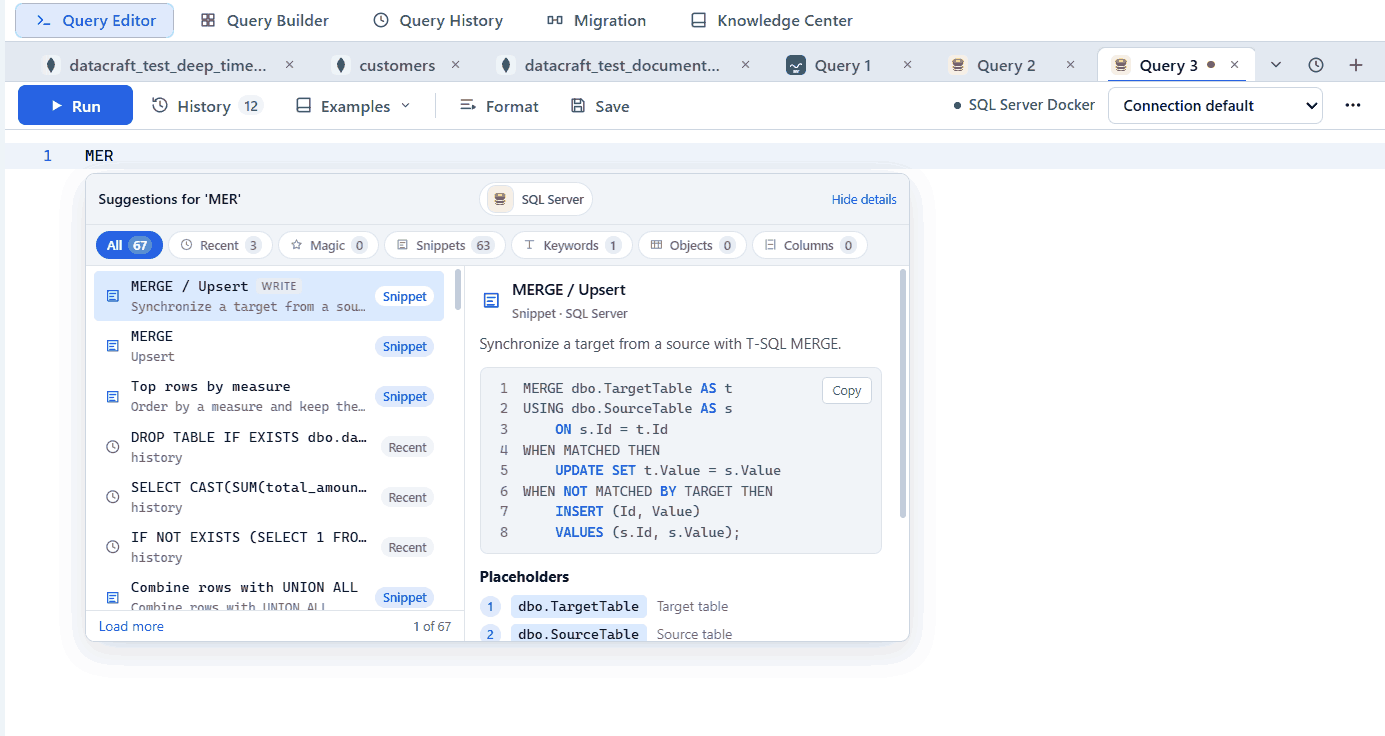
Real app screenshots from test workspaces with sample data, some cropped to the working area. A Pro build is shown.
What you get with SQL Server
Magic actions
Type a table name to get actions like expanding * to columns, SELECT by key, INSERT, UPDATE by key and Upsert.
Object Explorer feel
Databases, schemas, tables, views, stored procedures, triggers, synonyms, sequences, types and users.
Script as
Script Create, Alter, Drop or Drop and Create from the right-click menu.
Plans that don’t linger
Showplan runs on its own connection, so plan settings never stay on in your session.
Messages tab
PRINT output and row counts appear as they do in the tools you’re used to.
Health monitoring
Inspect server health from a dashboard tab. Pro.
Example
SELECT TOP (10) name, create_date
FROM sys.tables
ORDER BY create_date DESC;
Free and Pro
Connections, the explorer, the query editor, autocomplete, results and export are in the Free plan. Pro adds saved workspaces, searchable history, visual builders, guided import, data migration, health diagnostics and the AI assistant, where SQL Server supports them. Compare plans.
Free is $0 with a free account. For 64-bit Windows 10 and 11.