

 SQL and analytics
Oracle client for Windows
Run PL/SQL blocks and multi-statement scripts with a separate result for each statement, browse every object kind in your schema, and read estimated plans in the same window.
Download FreeFree is $0 with a free account. For 64-bit Windows 10 and 11.
See it working
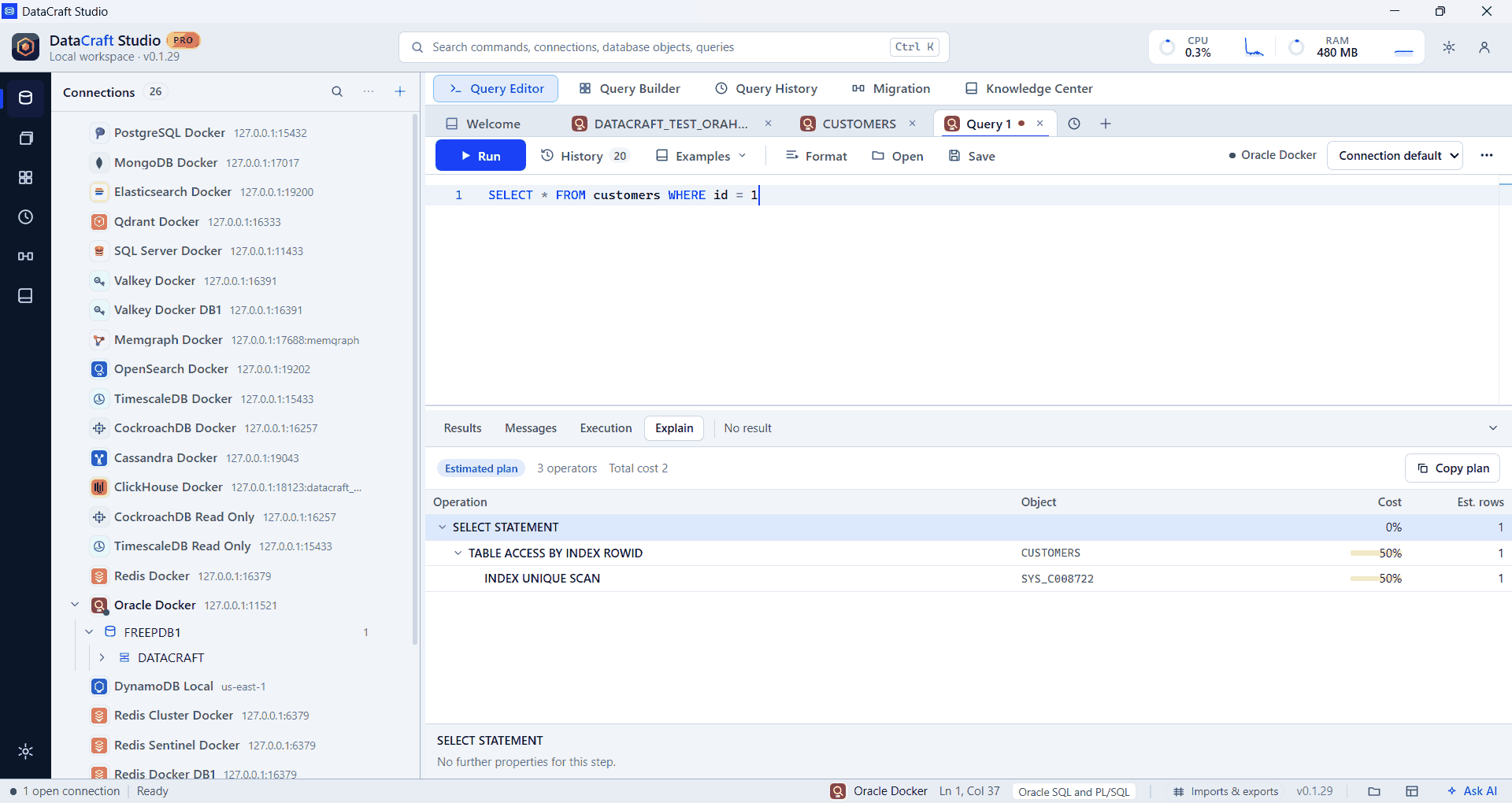
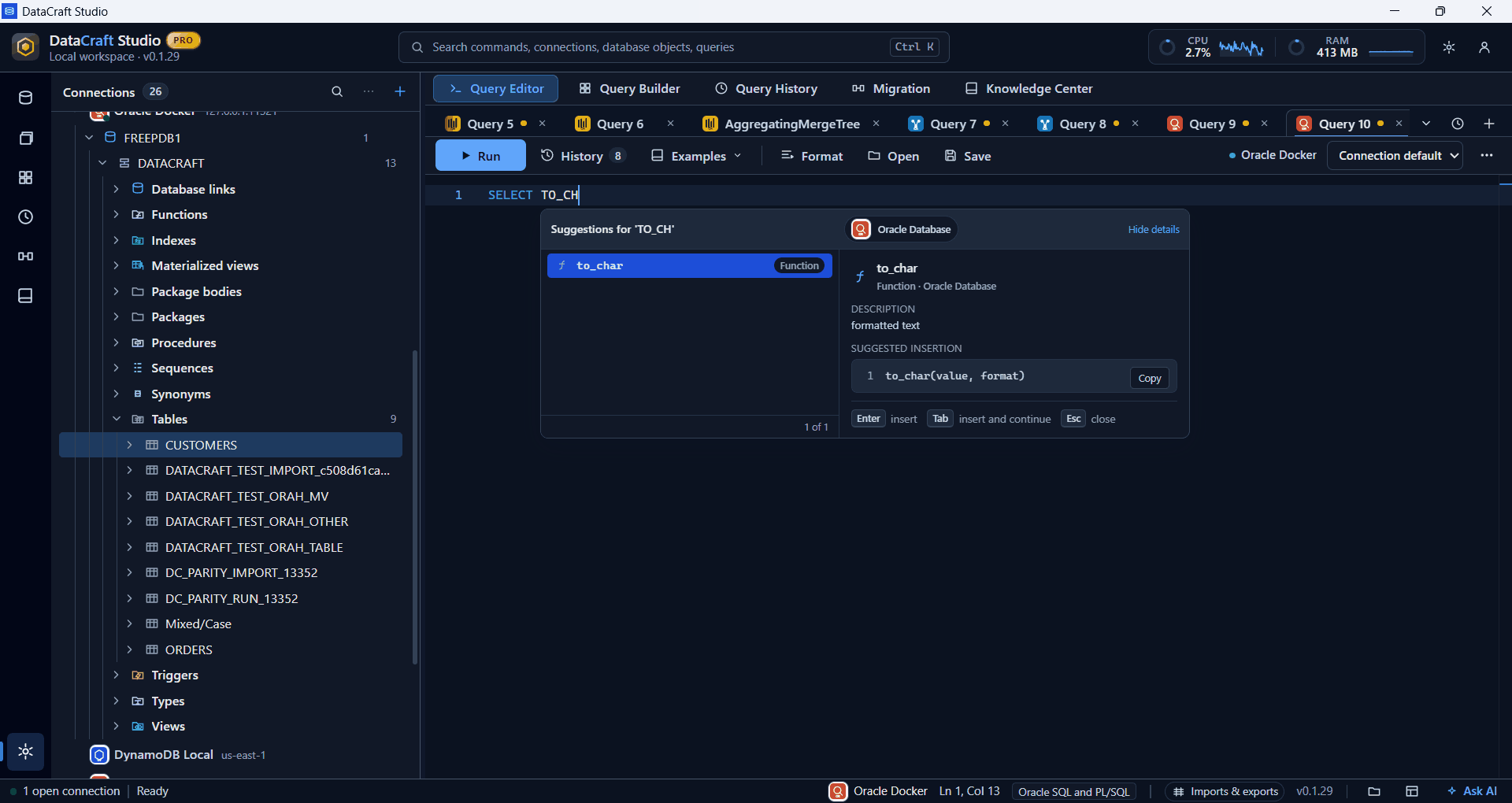
Real app screenshots from test workspaces with sample data, some cropped to the working area. A Pro build is shown.
What you get with Oracle
Every object kind
Tables, views, materialized views, indexes, sequences, synonyms, packages, package bodies, procedures, functions, triggers, types and database links.
Multi-statement runs
Run several statements at once, including PL/SQL blocks ended by /, each with its own result.
DBMS_OUTPUT
Output lines appear in the Messages tab.
Read-only safety
A read-only connection checks the whole run before any of it starts.
Definitions on demand
Double-click a table or view for 100 rows, or anything else for its definition from DBMS_METADATA.
Import with MERGE
Create a table, append, or upsert by key columns, with refused rows reported. Pro.
Example
SELECT id, name
FROM customers
WHERE id = 1;
Free and Pro
Connections, the explorer, the query editor, autocomplete, results and export are in the Free plan. Pro adds saved workspaces, searchable history, visual builders, guided import, data migration, health diagnostics and the AI assistant, where Oracle supports them. Compare plans.
Good to know
- You need Oracle Instant Client installed and on PATH. DataCraft doesn’t bundle it, and shows a guided message if it’s missing.
- Each statement commits when it finishes, so a later ROLLBACK can’t undo an earlier statement.
- Actual plans need V$ access, which most accounts don’t have.
- We added this provider recently, and our full release testing is still under way. If something doesn’t work as expected, please tell us.
Free is $0 with a free account. For 64-bit Windows 10 and 11.