

 Key-value and graph
Redis client for Windows
Connect to Standalone, Cluster or Sentinel, browse keys safely with SCAN so you never block production, and run commands with real autocomplete.
Download FreeFree is $0 with a free account. For 64-bit Windows 10 and 11.
See it working
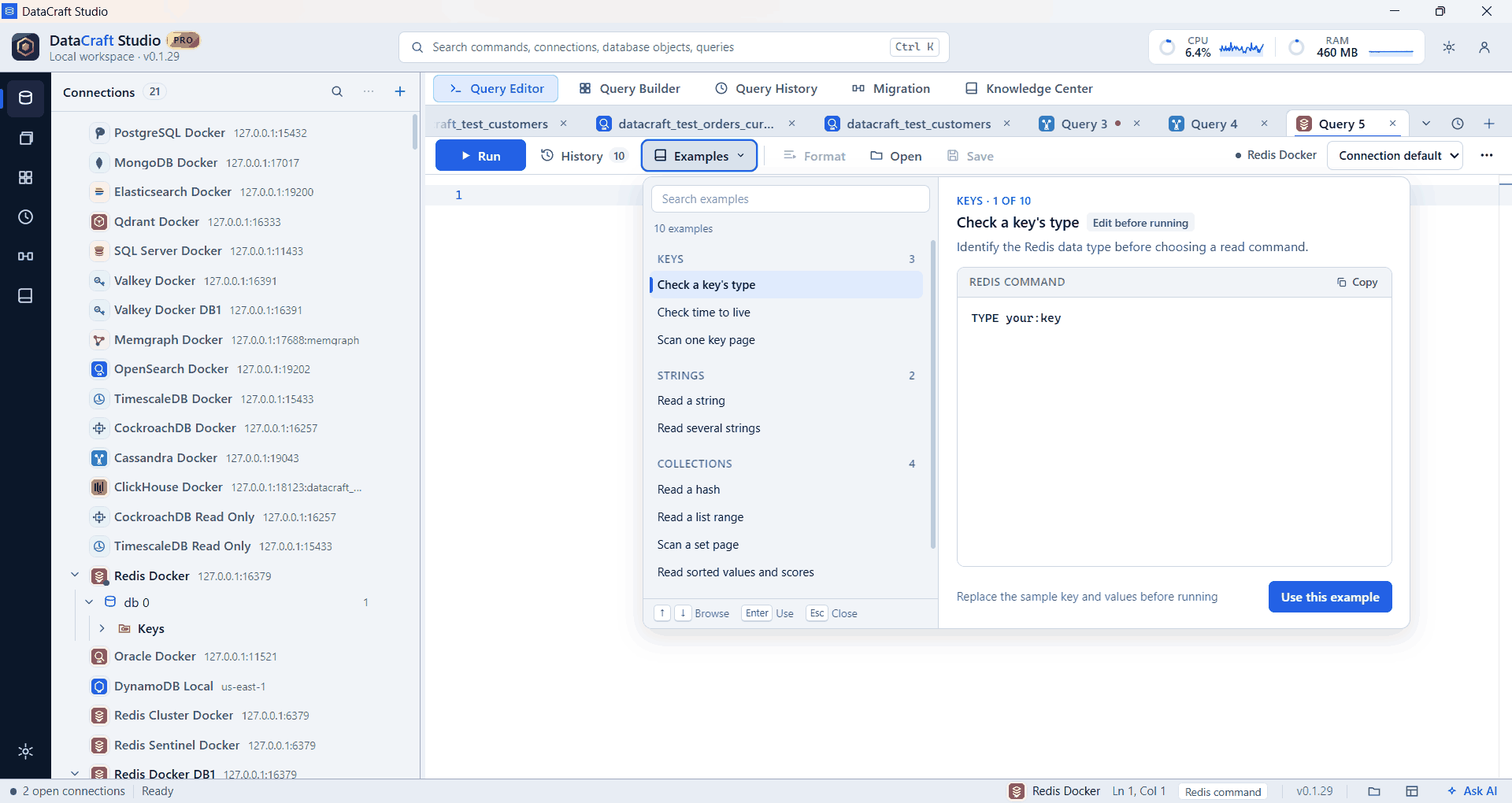
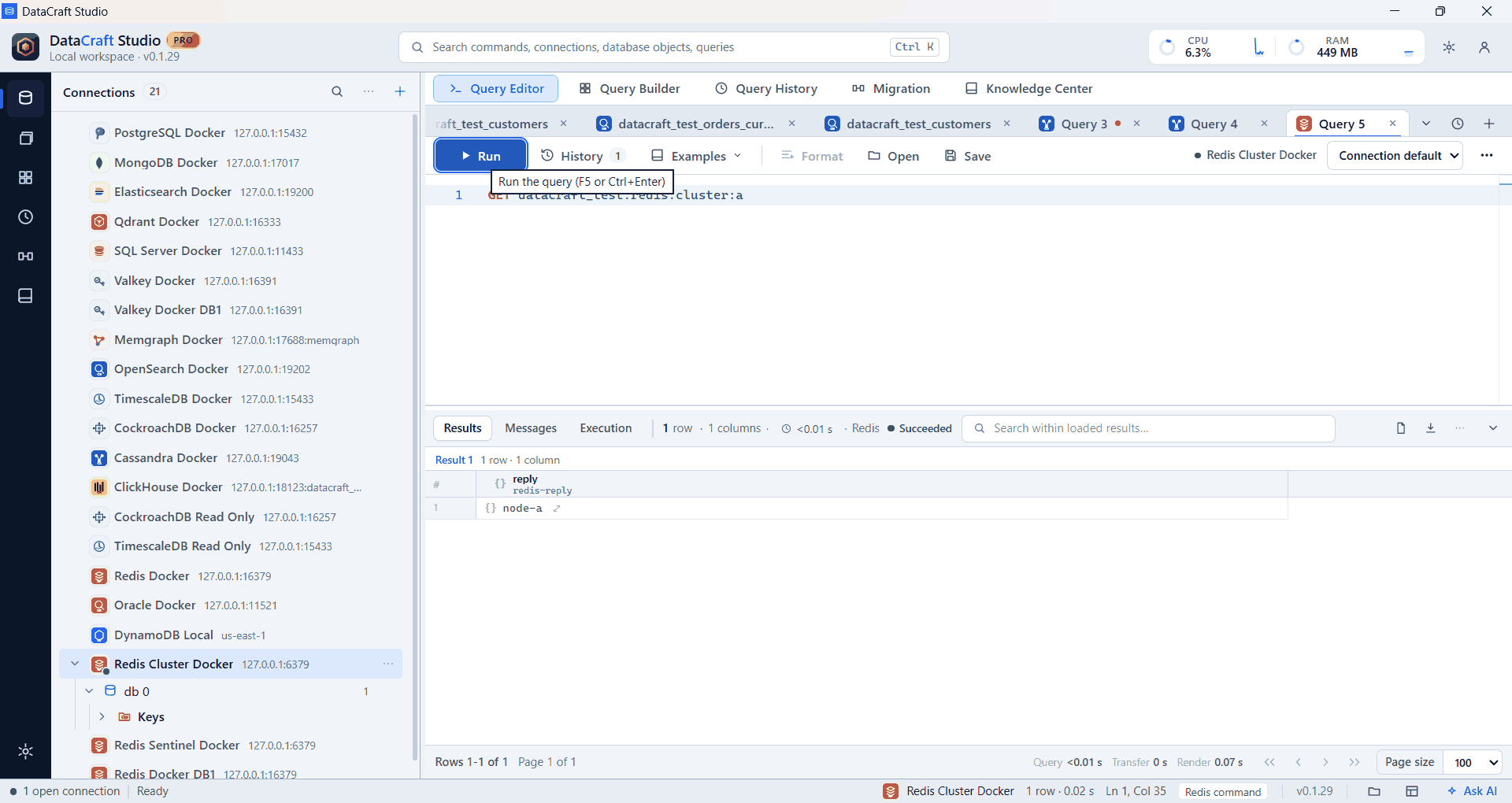
Real app screenshots from test workspaces with sample data, some cropped to the working area. A Pro build is shown.
What you get with Redis
Safe key browsing
Filter first, then load bounded SCAN pages, never a blocking KEYS call.
See what a key is
Key details show its type and remaining lifetime.
Command autocomplete
Suggestions for commands, subcommands and options with Ctrl+Space.
Colored commands
Commands, options, arguments, strings and numbers each have their own color.
Sentinel done properly
Sentinel has its own ACL and TLS settings, separate from the master’s.
Secure secrets
Passwords go to Windows Credential Manager, not the profile.
Example
HGETALL customer:1001Free and Pro
Connections, the explorer, the query editor, autocomplete, results and export are in the Free plan. Pro adds saved workspaces, searchable history, visual builders, guided import, data migration, health diagnostics and the AI assistant, where Redis supports them. Compare plans.
Good to know
- Each Run sends one command.
- Cluster connections use database 0 only.
Free is $0 with a free account. For 64-bit Windows 10 and 11.