

 Document, search and vector
MongoDB GUI for Windows
A serious MongoDB workbench: filter, project and sort with autocomplete, read documents as cards, a table or JSON, and build aggregation pipelines one visible stage at a time.
Download FreeFree is $0 with a free account. For 64-bit Windows 10 and 11.
See it working
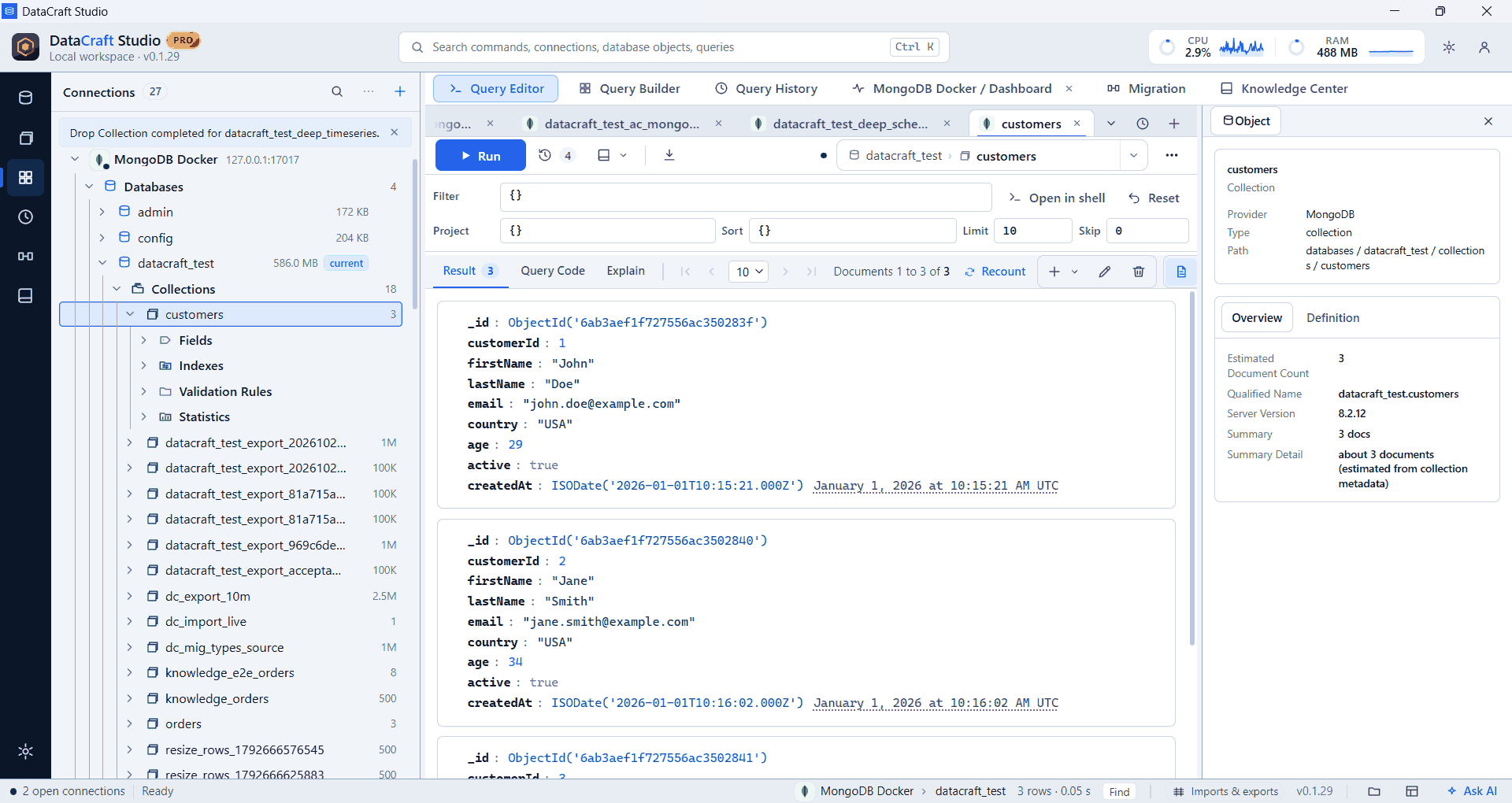
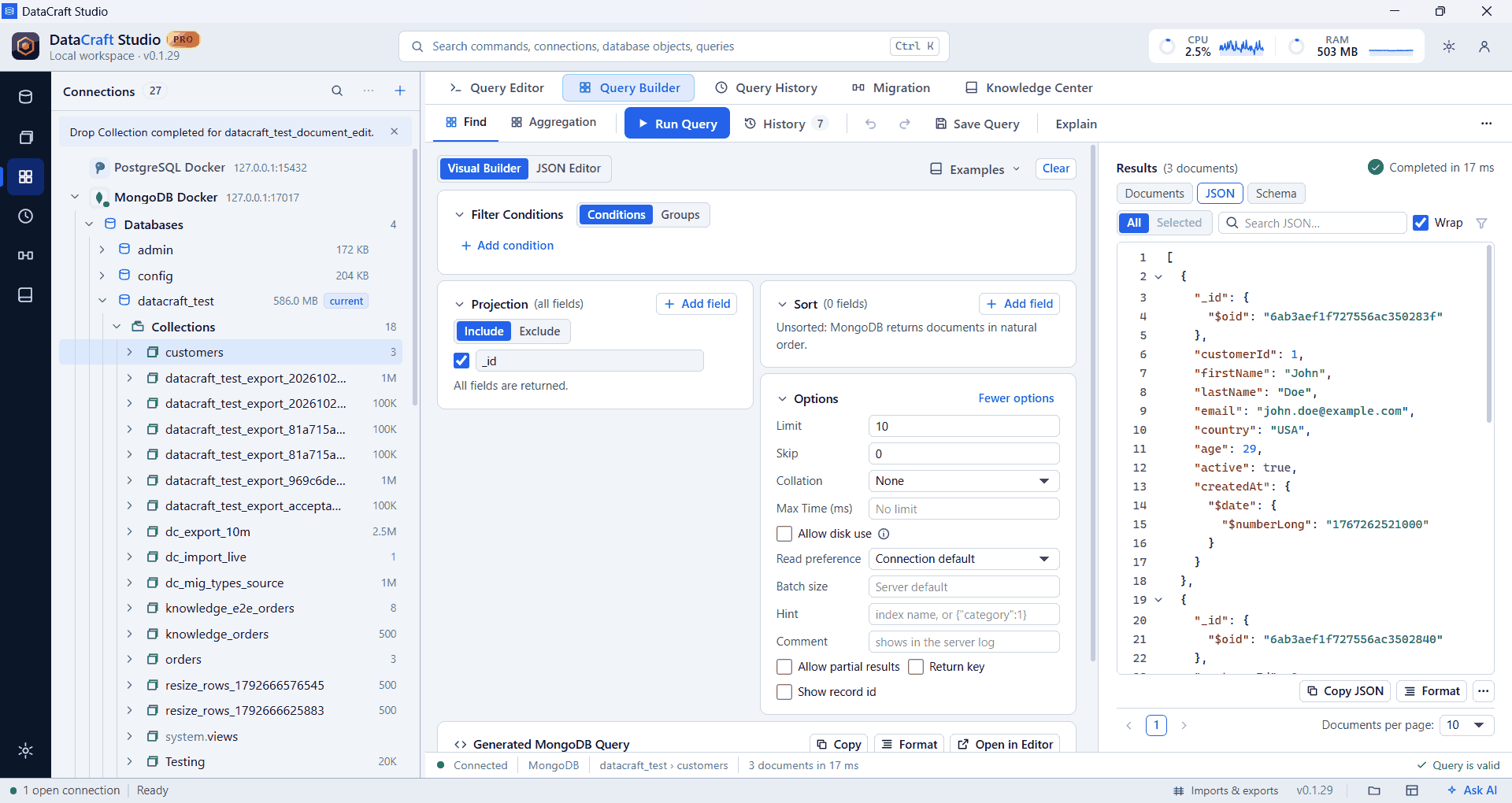
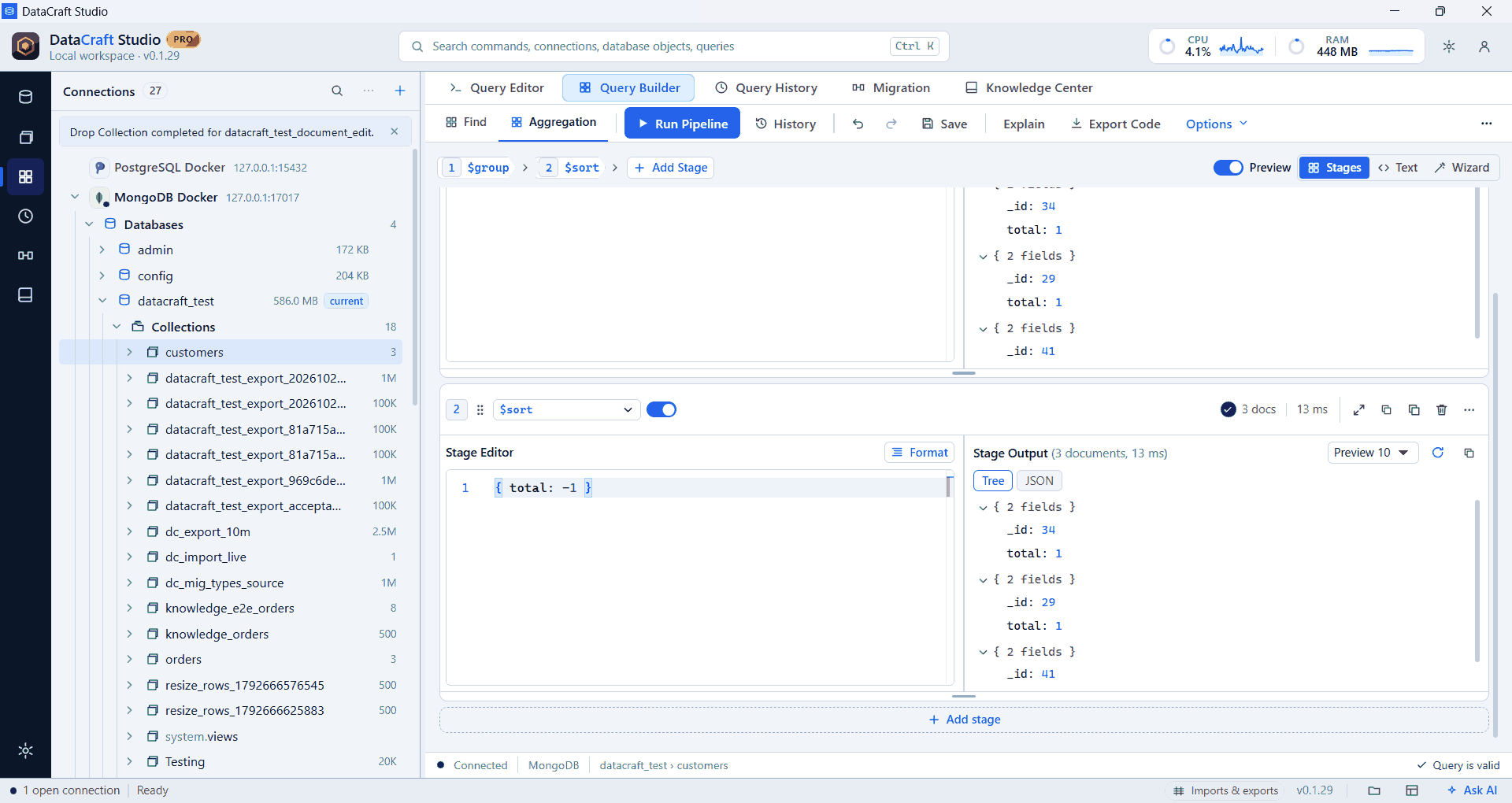
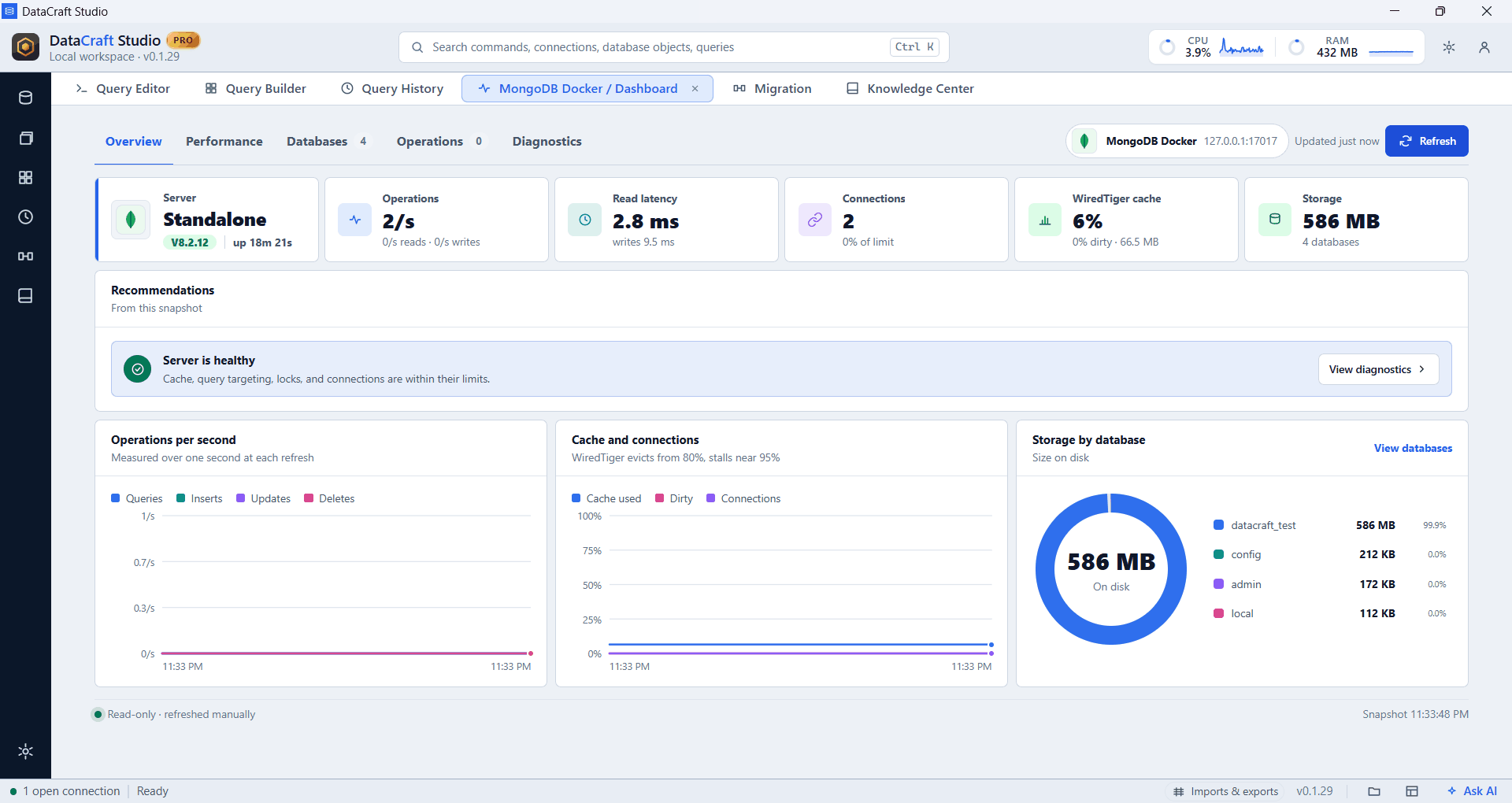
Real app screenshots from test workspaces with sample data, some cropped to the working area. A Pro build is shown.
What you get with MongoDB
Fields at your fingertips
Autocomplete learns field names from your documents, even without a schema.
Three ways to read
Switch between documents, a table and JSON for the same result.
Stage-by-stage pipelines
See documents and timing for each aggregation stage. Pro.
Exports that handle nesting
Keep nested values as JSON, or expand documents and arrays into columns.
Everything in the tree
Databases, collections, views, indexes, validation rules, statistics, users and roles.
Health dashboards
Inspect server health from a dashboard tab. Pro.
Example
db.products.find(
  { category: "Sensors" },
  { name: 1, stock: 1 }
).limit(10)
Free and Pro
Connections, the explorer, the query editor, autocomplete, results and export are in the Free plan. Pro adds saved workspaces, searchable history, visual builders, guided import, data migration, health diagnostics and the AI assistant, where MongoDB supports them. Compare plans.
Free is $0 with a free account. For 64-bit Windows 10 and 11.