

 Document, search and vector
DynamoDB client for Windows
Send real DynamoDB requests with exact types, query with PartiQL, and stay safe: full scans and every write ask you to confirm first.
Download FreeFree is $0 with a free account. For 64-bit Windows 10 and 11.
See it working
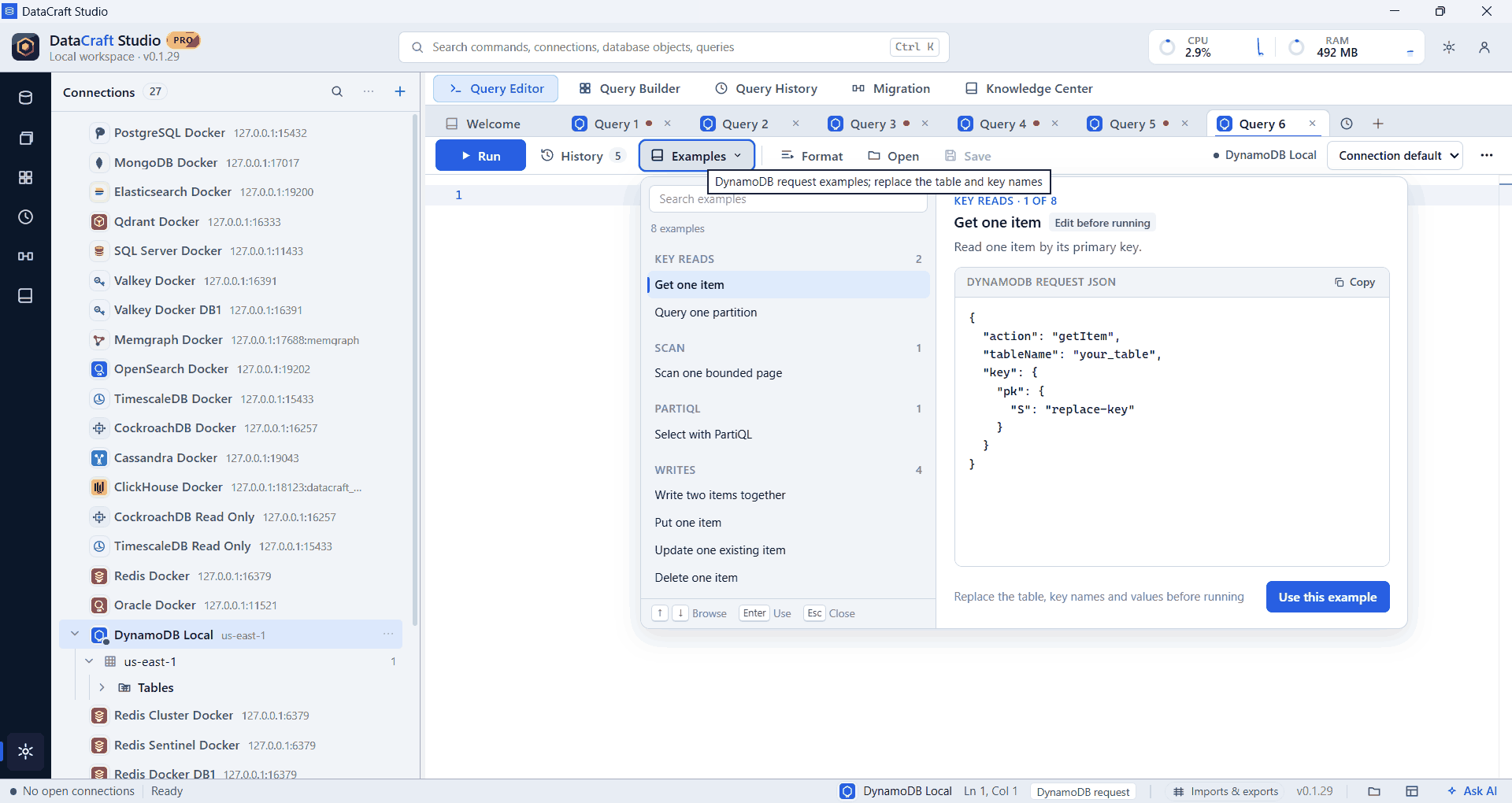
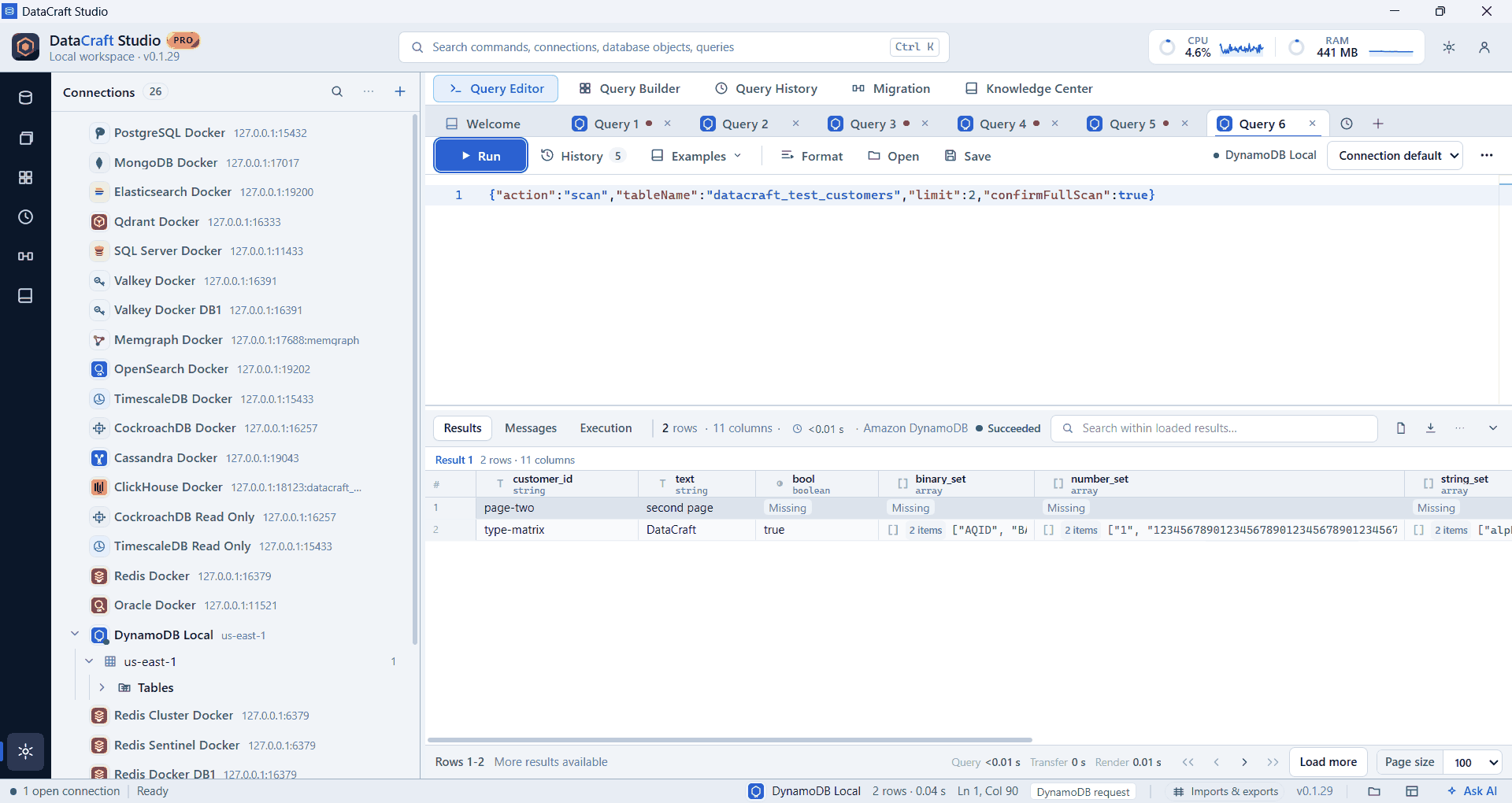
Real app screenshots from test workspaces with sample data, some cropped to the working area. A Pro build is shown.
What you get with DynamoDB
Exact values
DynamoDB’s type tags are kept, so numbers stay exact.
Guard rails
Scans need confirmFullScan, and writes need confirmWrite. A read-only connection refuses every write.
Full request set
getItem, query, scan, partiql, putItem, updateItem, deleteItem, transactWrite and batchWrite.
All or nothing
transactWrite covers up to 100 items together.
Mongo-style export
Scans, queries, PartiQL or whole tables, with nested values expanded your way.
Import by key
Create an on-demand table or write to an existing one. Pro.
Example
{
  "action": "query",
  "tableName": "your_table",
  "keyConditionExpression": "pk = :id",
  "expressionAttributeValues": { ":id": { "S": "your-key" } },
  "limit": 50
}
Free and Pro
Connections, the explorer, the query editor, autocomplete, results and export are in the Free plan. Pro adds saved workspaces, searchable history, visual builders, guided import, data migration, health diagnostics and the AI assistant, where DynamoDB supports them. Compare plans.
Good to know
- Import replaces an item when its key already exists, so there’s no plain append.
- We test against DynamoDB Local. IAM limits, throttling and other live AWS behavior haven’t been fully tested yet.
- We added this provider recently, and our full release testing is still under way. If something doesn’t work as expected, please tell us.
Free is $0 with a free account. For 64-bit Windows 10 and 11.